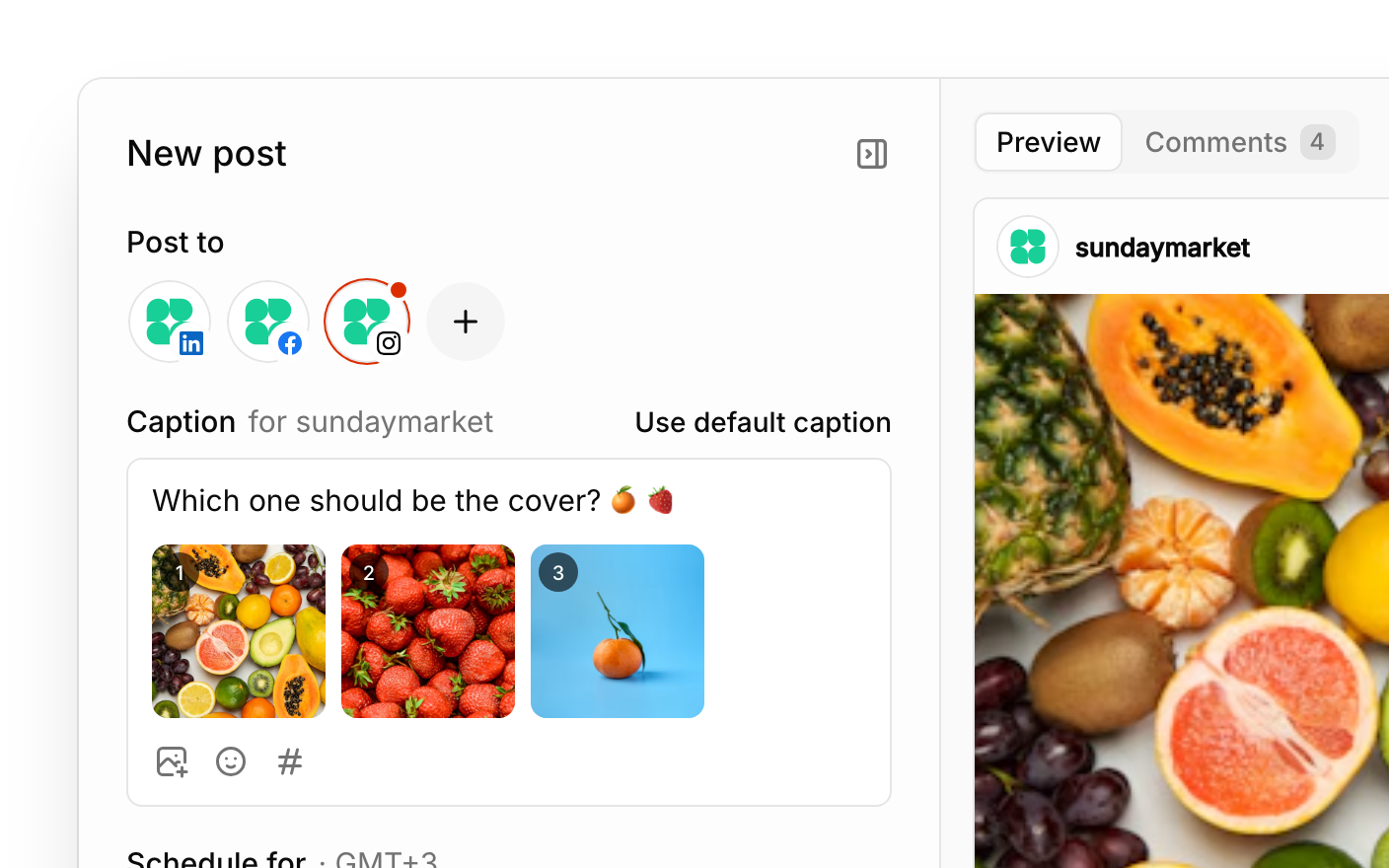
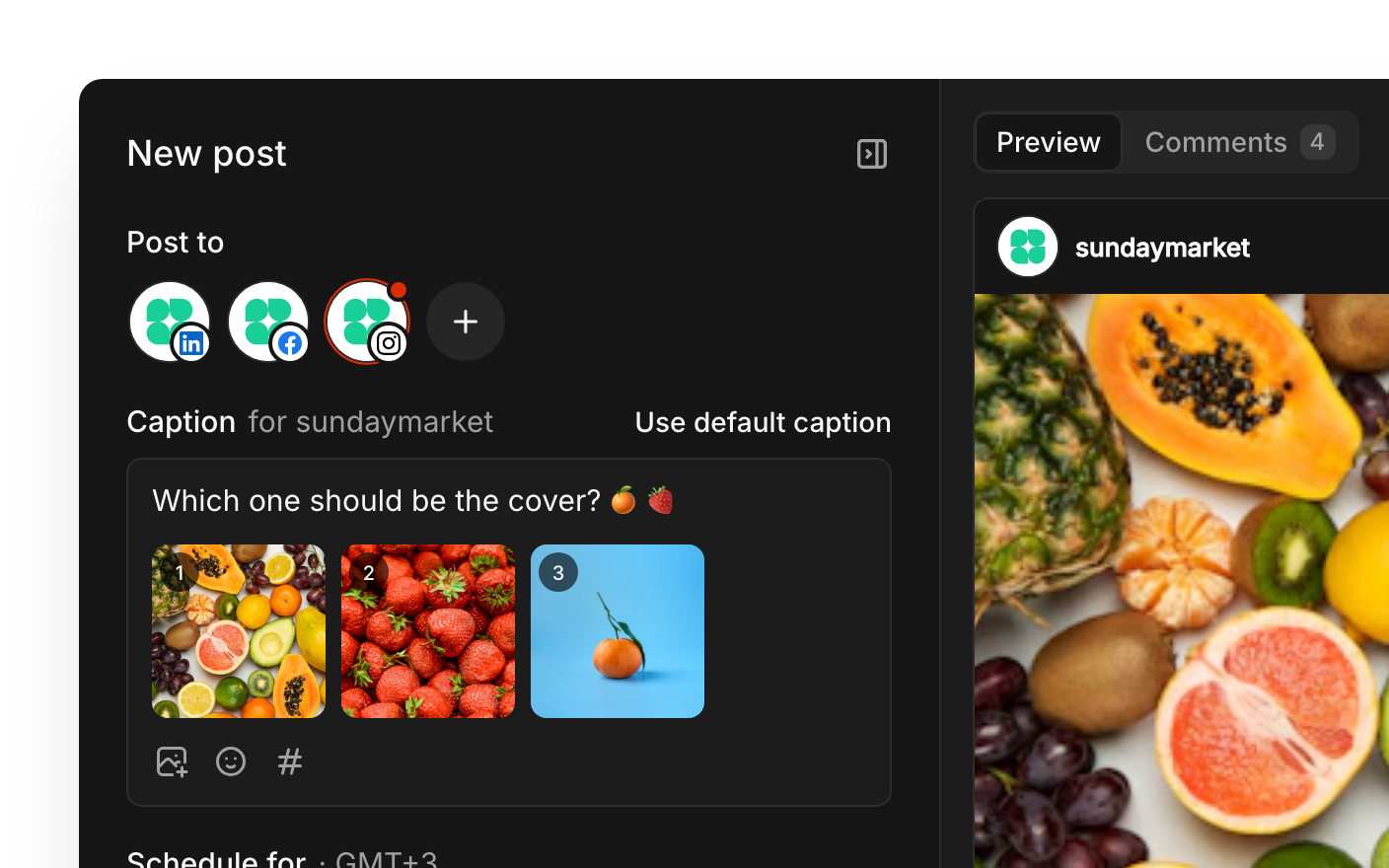
Write one caption, then fine-tune the words and settings for each network.
A live preview for each network updates as you write your caption.
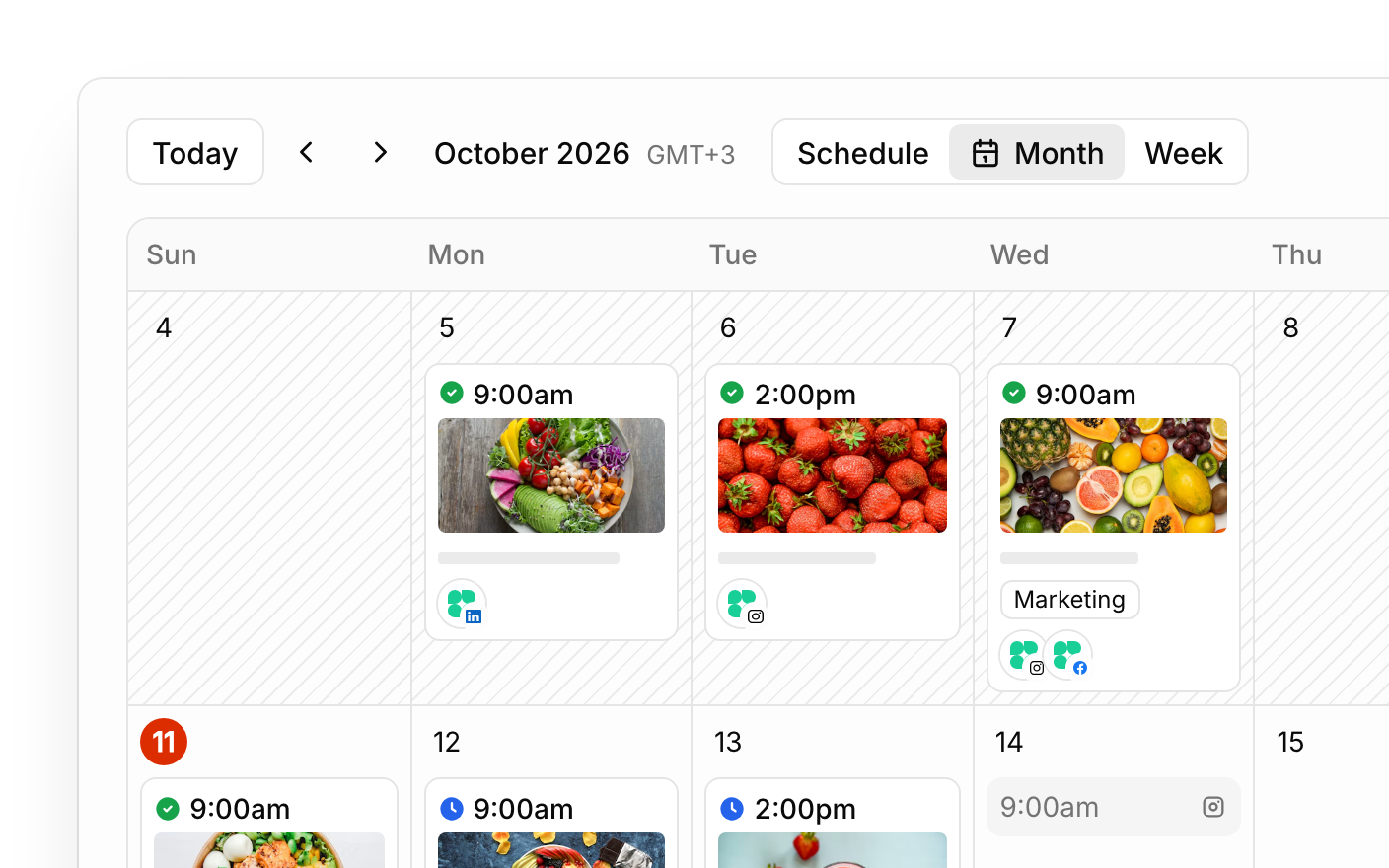
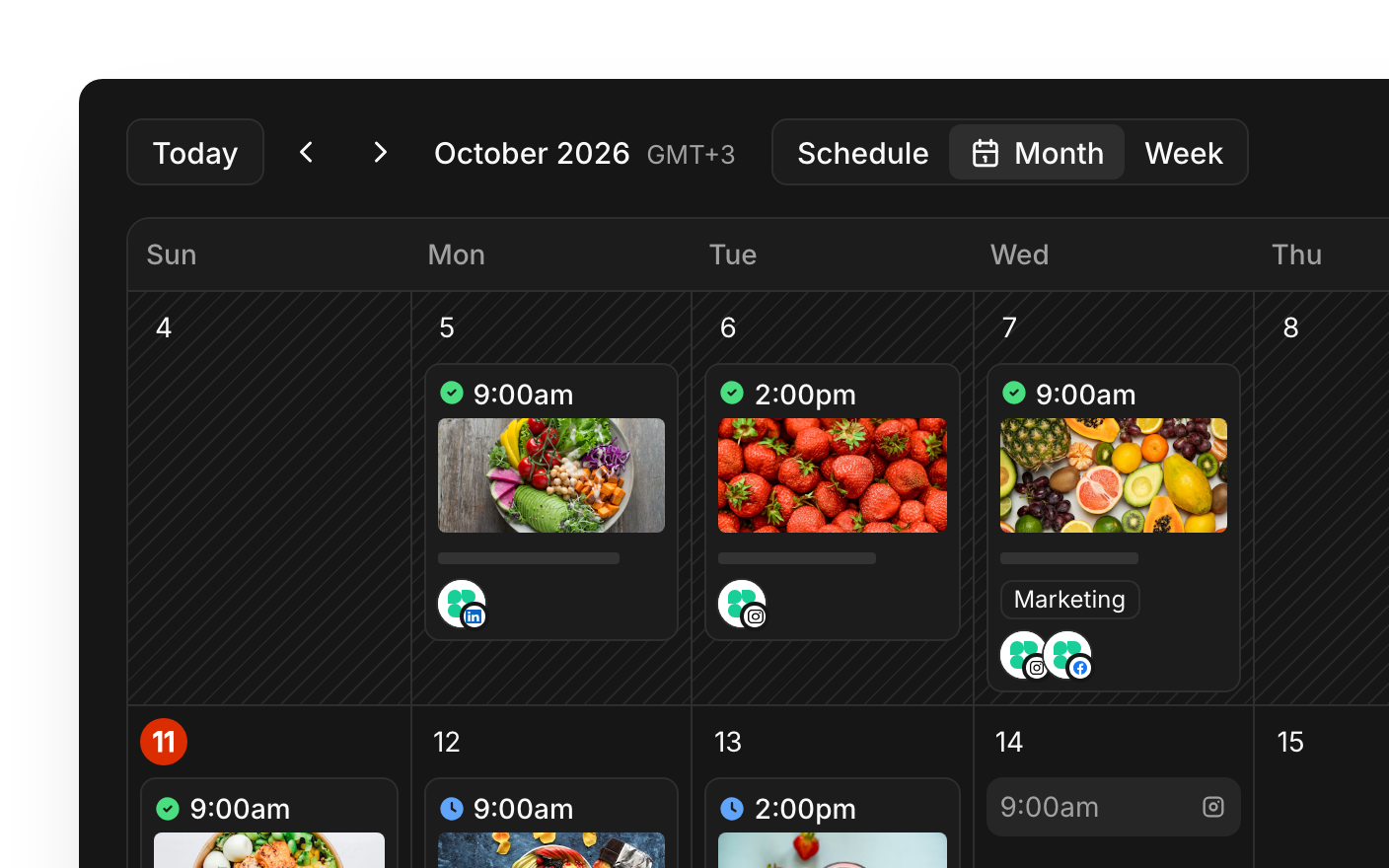
Drafts, scheduled and published posts in a schedule, week or month view.
Let AI draft a caption or rewrite yours, then review it before using it.
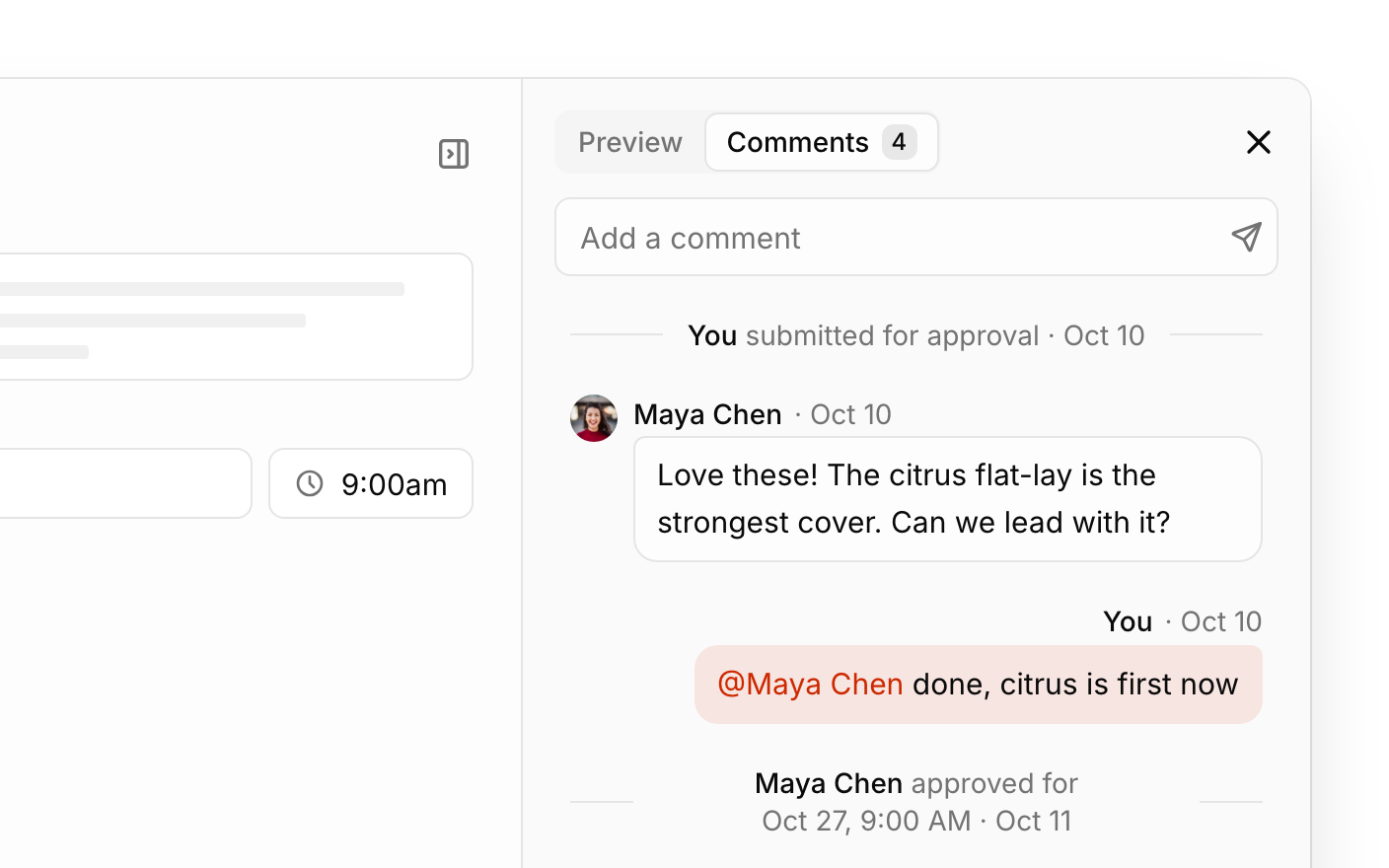
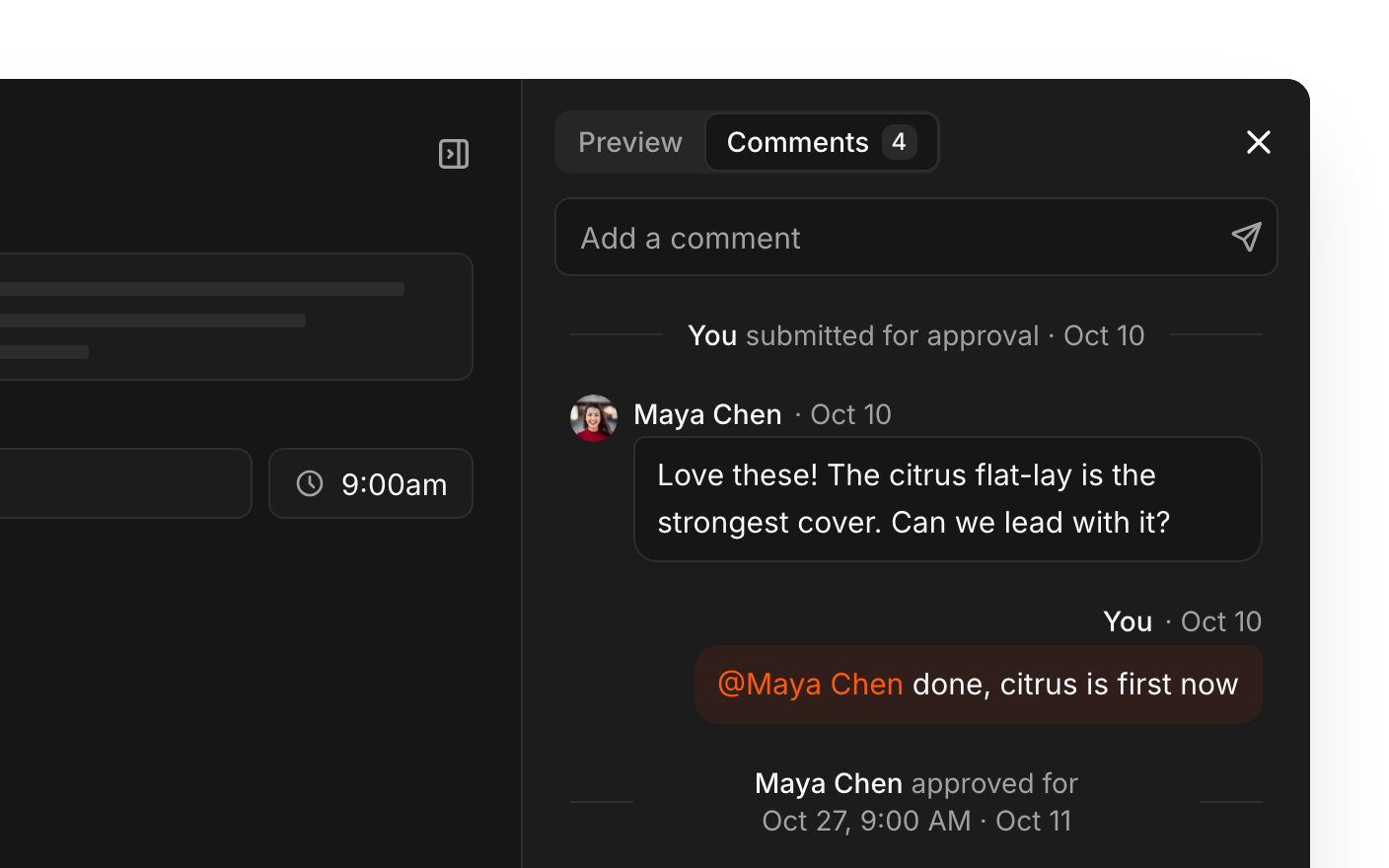
Comment and @mention teammates, and nothing posts until it's approved.
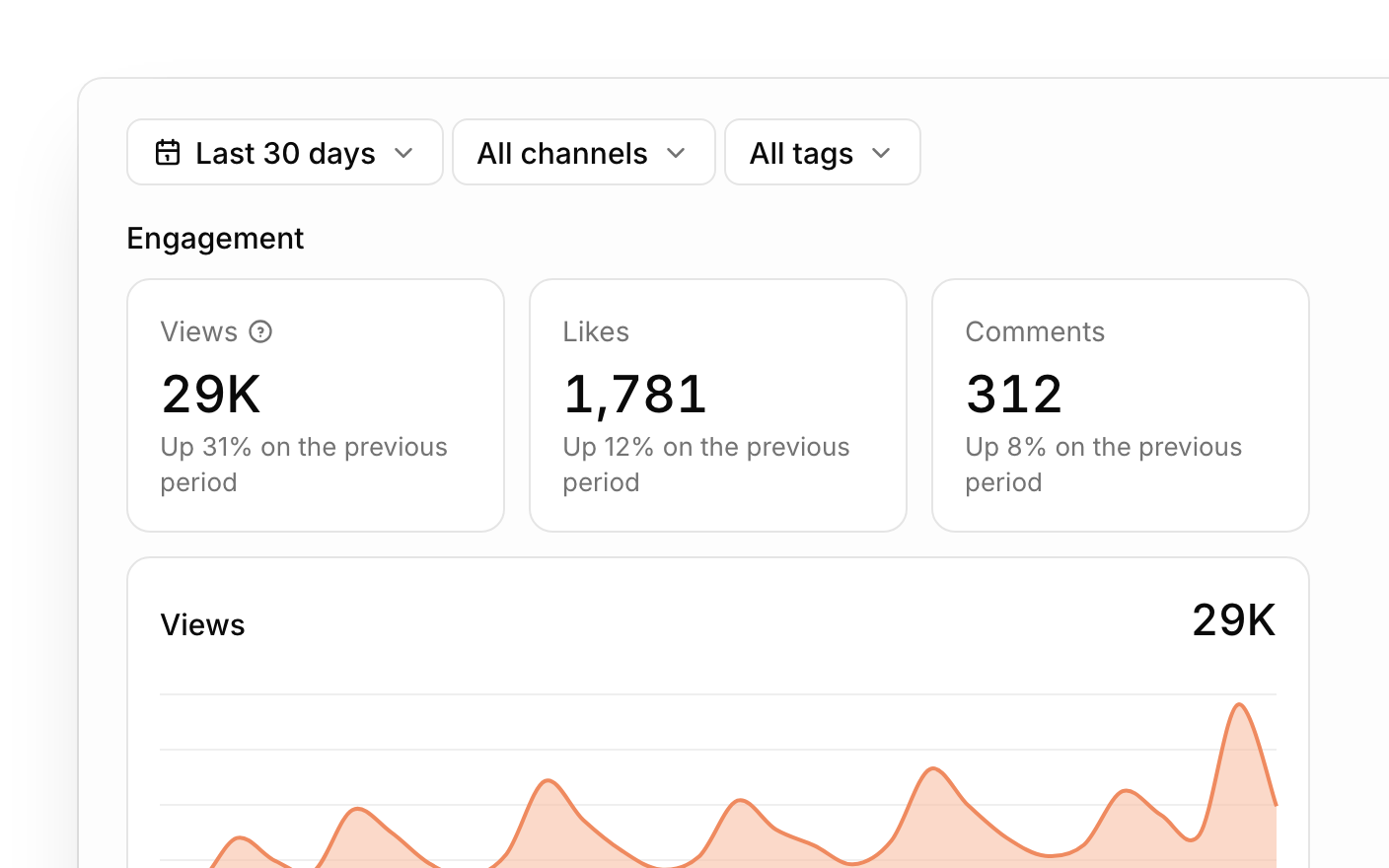
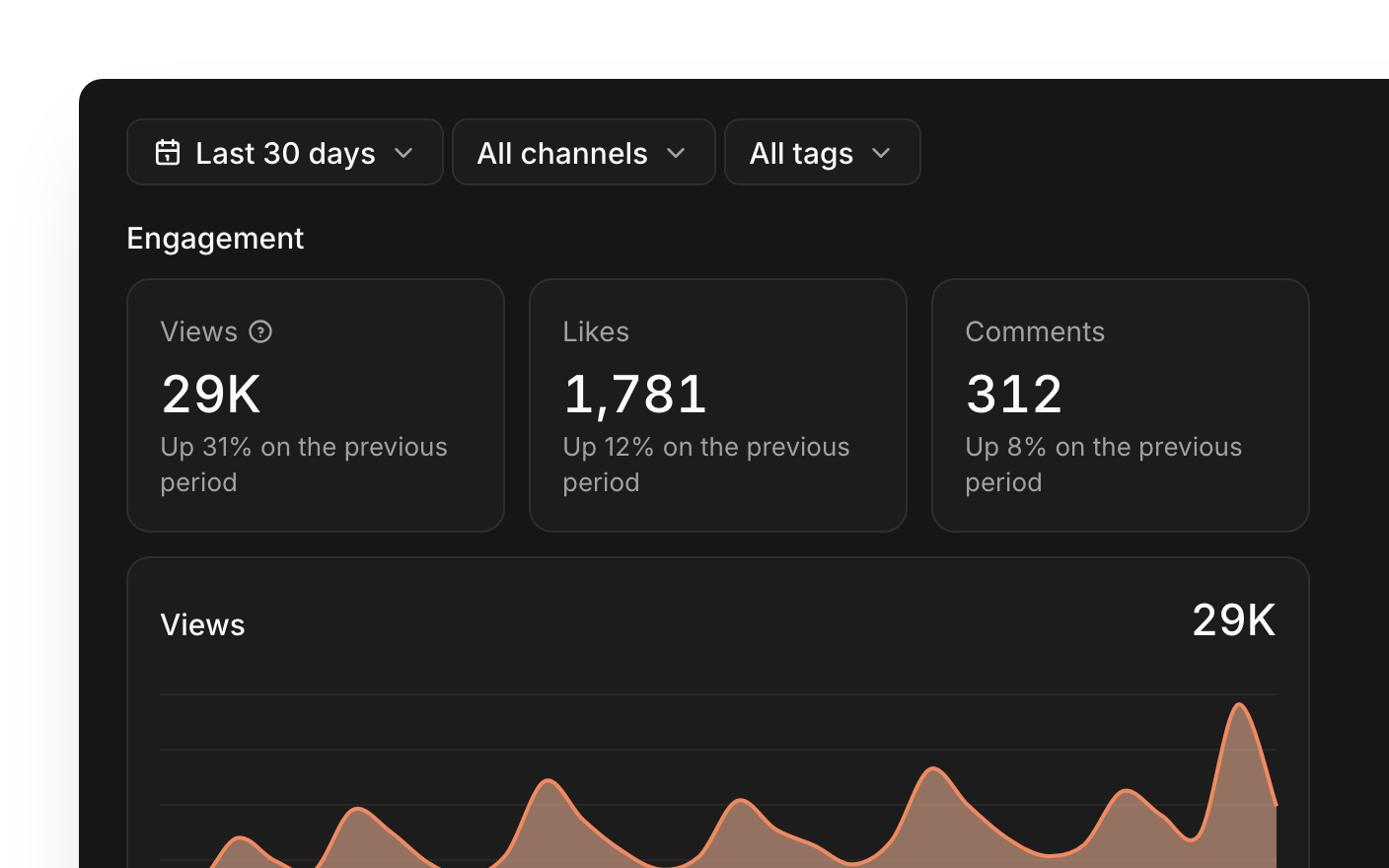
Views, likes, comments and shares come back after each post goes live.
How a post moves through Tallyfeed.
01 · Write
Write one caption, then adjust the words and settings for each network, with a live preview of how the post will look before it goes out.
02 · Review
Teammates comment and @mention right beside the post. With approvals on, nothing is scheduled until someone says yes.
03 · Publish
Plan in a schedule, week or month view. Tallyfeed publishes at the time you set, and tells you if a post fails and why.
04 · Measure
Views, likes, comments and shares come back after each post goes live, for each channel and in total.

LinkedIn, Instagram, Facebook, X (Twitter), TikTok (personal and business accounts), YouTube, Threads, Bluesky and Pinterest. You connect each channel through the network's own sign-in, and you can disconnect it at any time.
Yes. Every new account starts with a 7-day free trial with full access, and no card is needed. If you don't subscribe when it ends, your workspace becomes read-only until you do: posts you've already scheduled still go out, and nothing is deleted.
No. Tallyfeed only publishes posts that you or your teammates have written and scheduled, or chosen to post right away.
Delete your account from Account settings in the app, or email support@tallyfeed.com and we'll remove your account and its data.
