Features

Everything your team needs to plan, publish and measure social posts

7-day free trial. No credit card required.

Create

Write once, then make it right for every network

Start with one caption and one set of media, or let AI draft the caption in your brand voice. See how the post will look on each network and adjust what each one needs before you schedule.
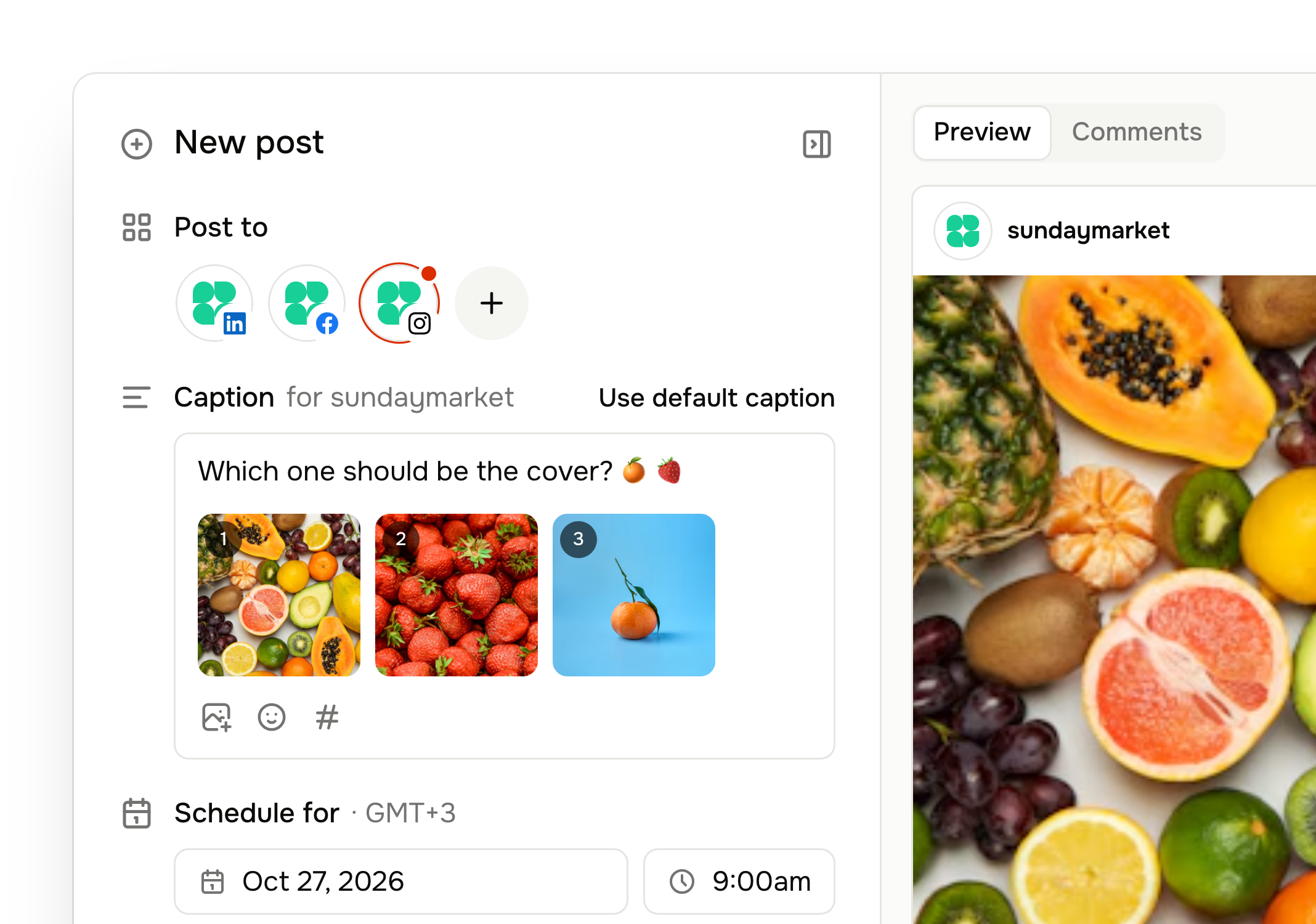
  • A different caption and settingsfor each account when you need them
  • Live previewsof how the post will look
  • Character limit checksbefore you schedule, not after a post fails
  • AI captions in your brand voice:write, shorten, add a call to action or fix grammar
  • Saved hashtag groupsand a shared library for images and video
Learn more about the composer →
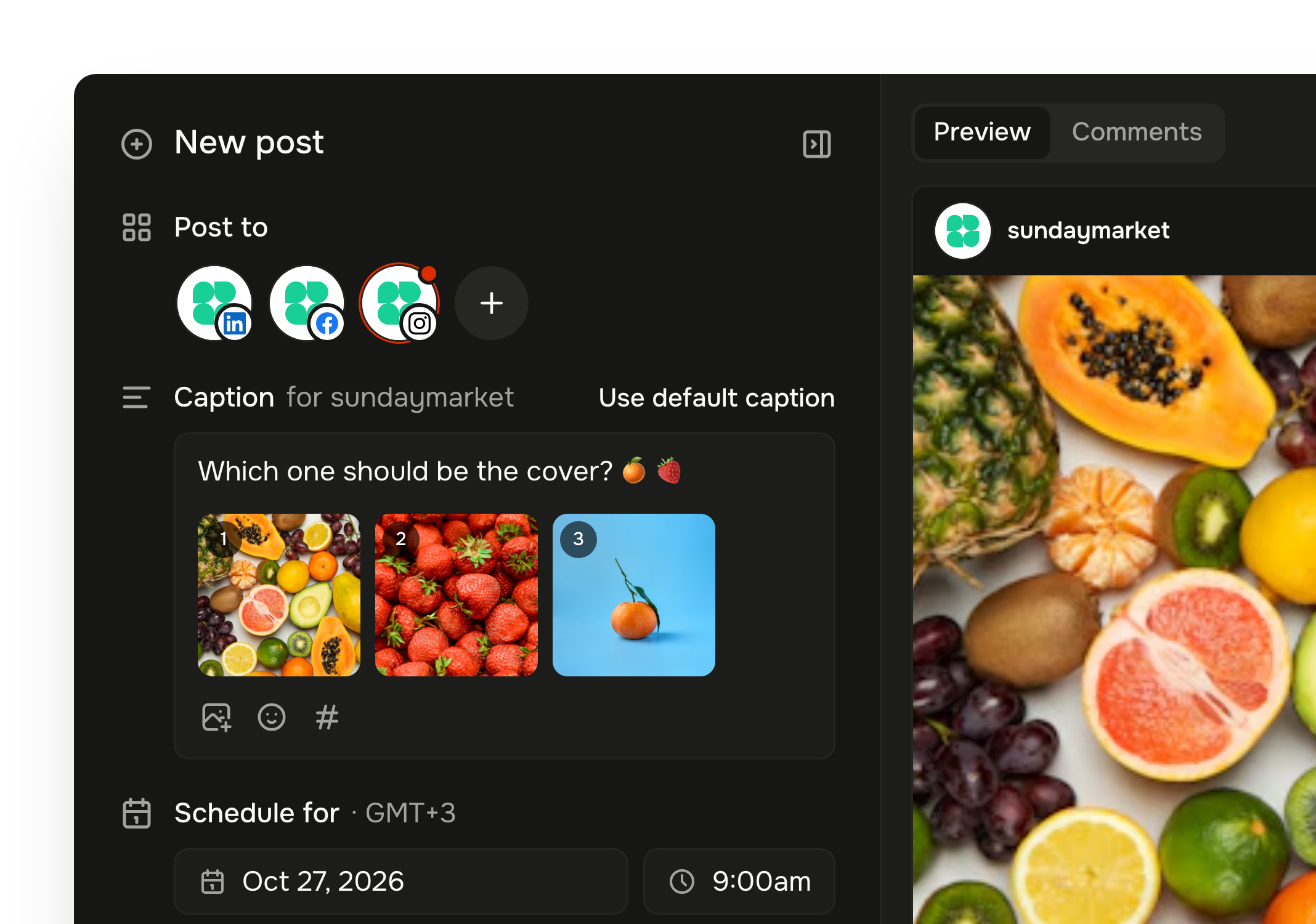
Tallyfeed post editor with three accounts selected, Instagram's own caption and a live Instagram previewTallyfeed post editor with three accounts selected, Instagram's own caption and a live Instagram preview

Plan

See every post on one calendar

Drafts, scheduled and published posts in a list, a queue, or a month and week calendar that marks public holidays, all in your workspace's time zone. Planning a month at once? Bulk-schedule from a CSV or Excel file.
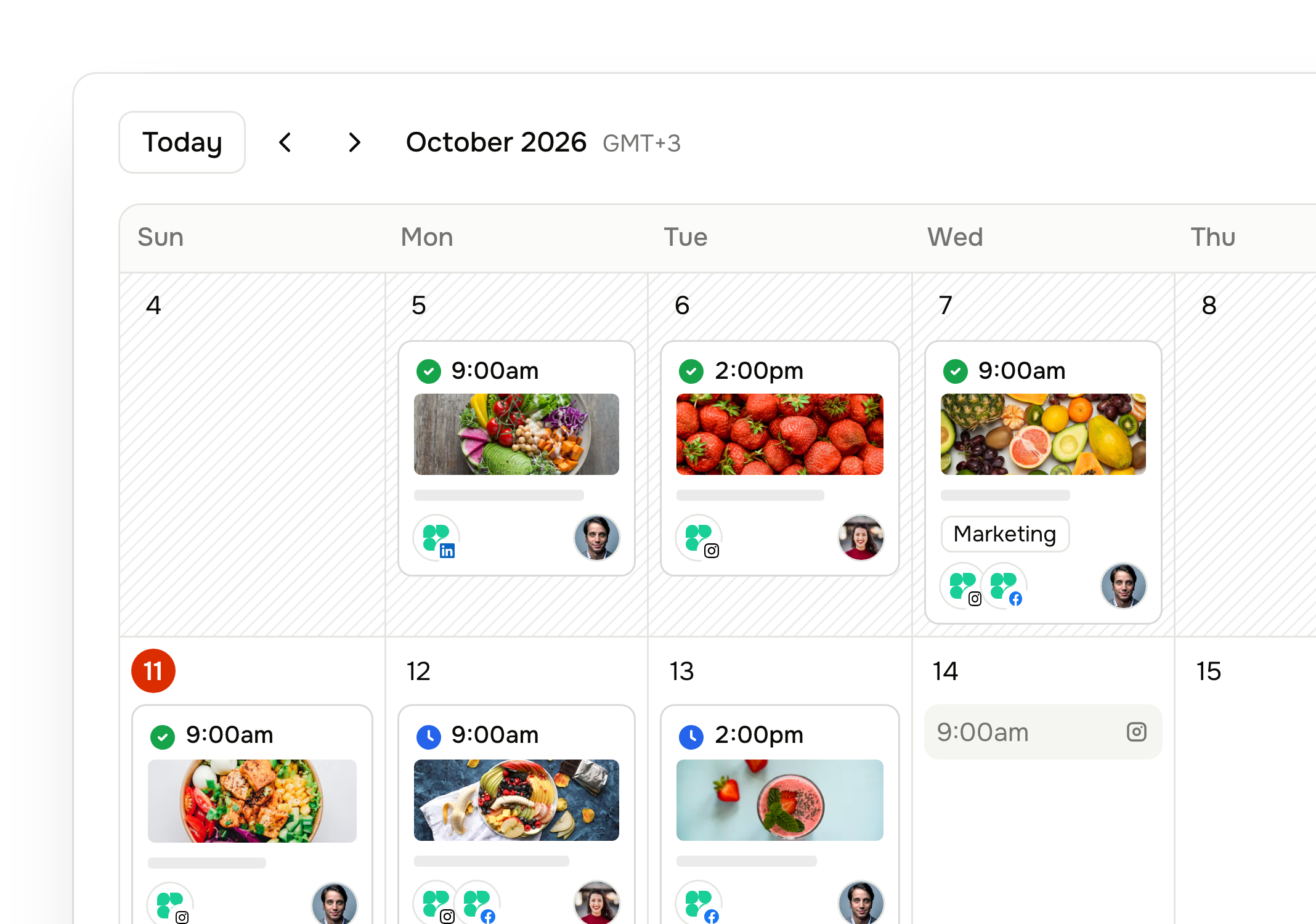
  • Drag a post to a new dayto reschedule it
  • A posting queue:set your weekly time slots, and Add to queue fills the next free one
  • Filterby account, status or tag
  • Duplicate a post,or publish it right away
Learn more about the calendar →
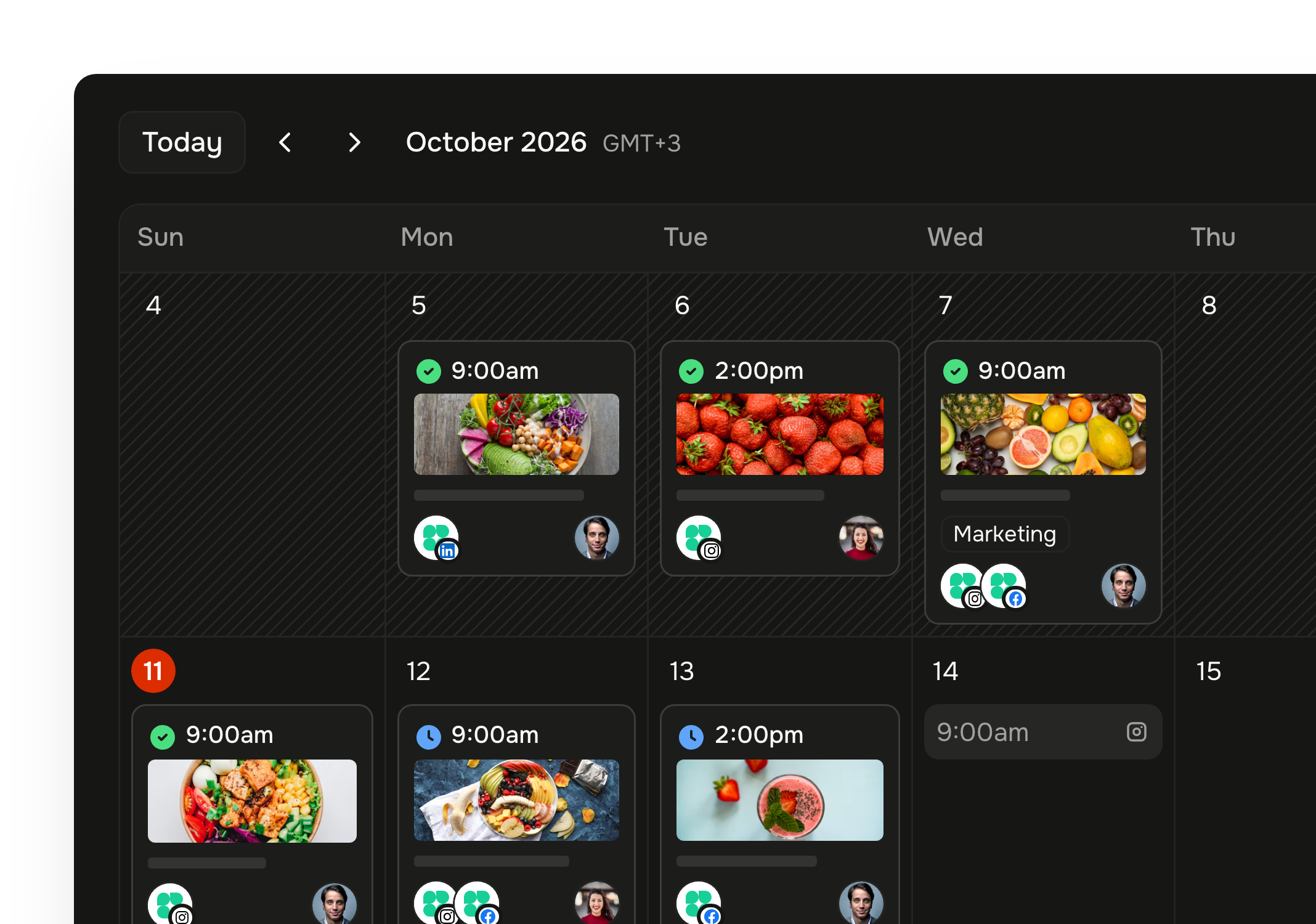
Tallyfeed monthly calendar with scheduled posts and open queue slotsTallyfeed monthly calendar with scheduled posts and open queue slots

Collaborate

Enable approvers and get sign-off before anything goes live

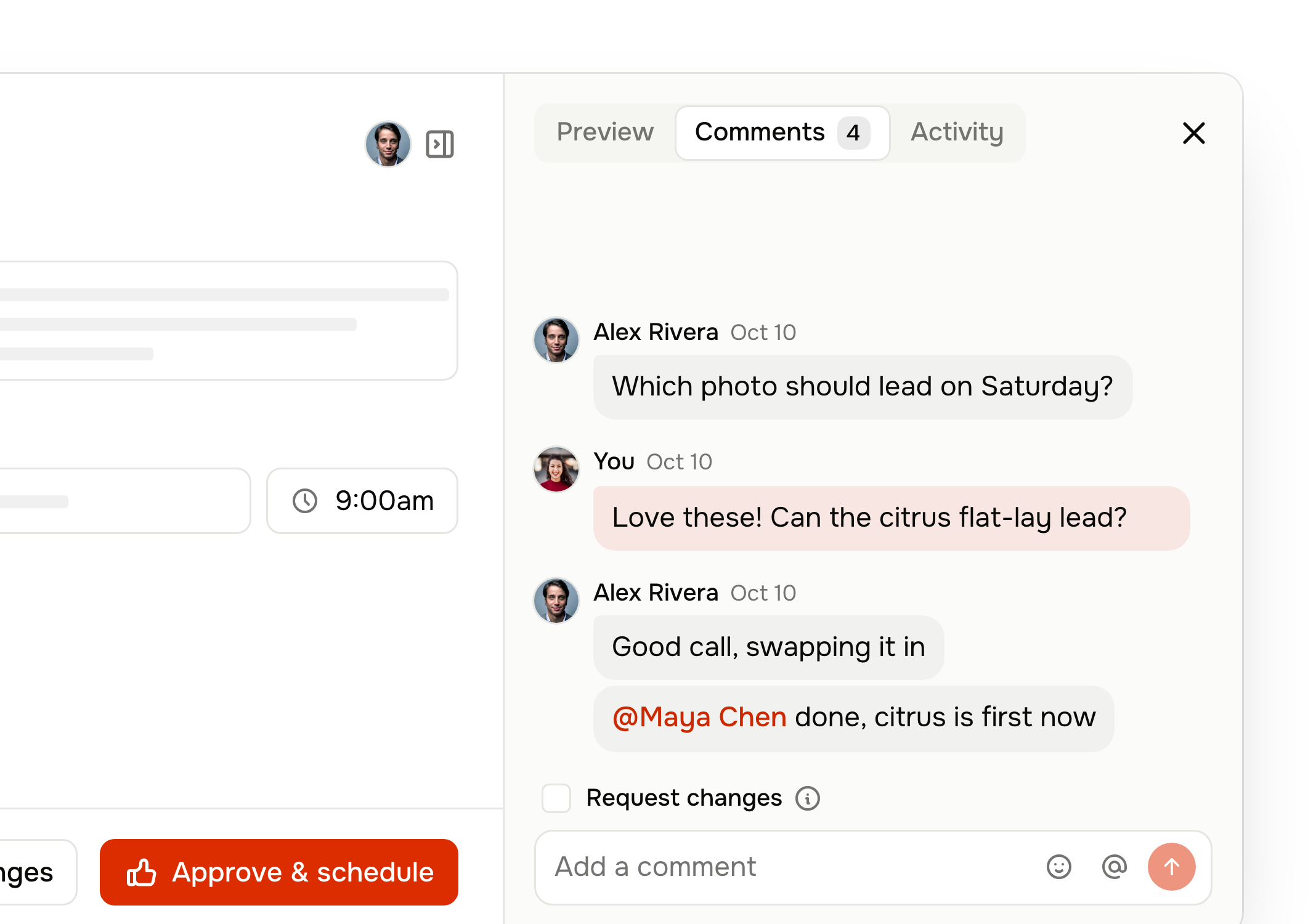
Invite your team, talk about a post right where it lives, and turn on approvals so nothing is scheduled without a yes.
  • Choose who approves;everyone else submits posts for approval
  • Request changes with a note,and see every step in the post's history
  • Internal comments and @mentionsthat are never published
  • Owner, Member and Viewer roles
Learn more about collaboration →
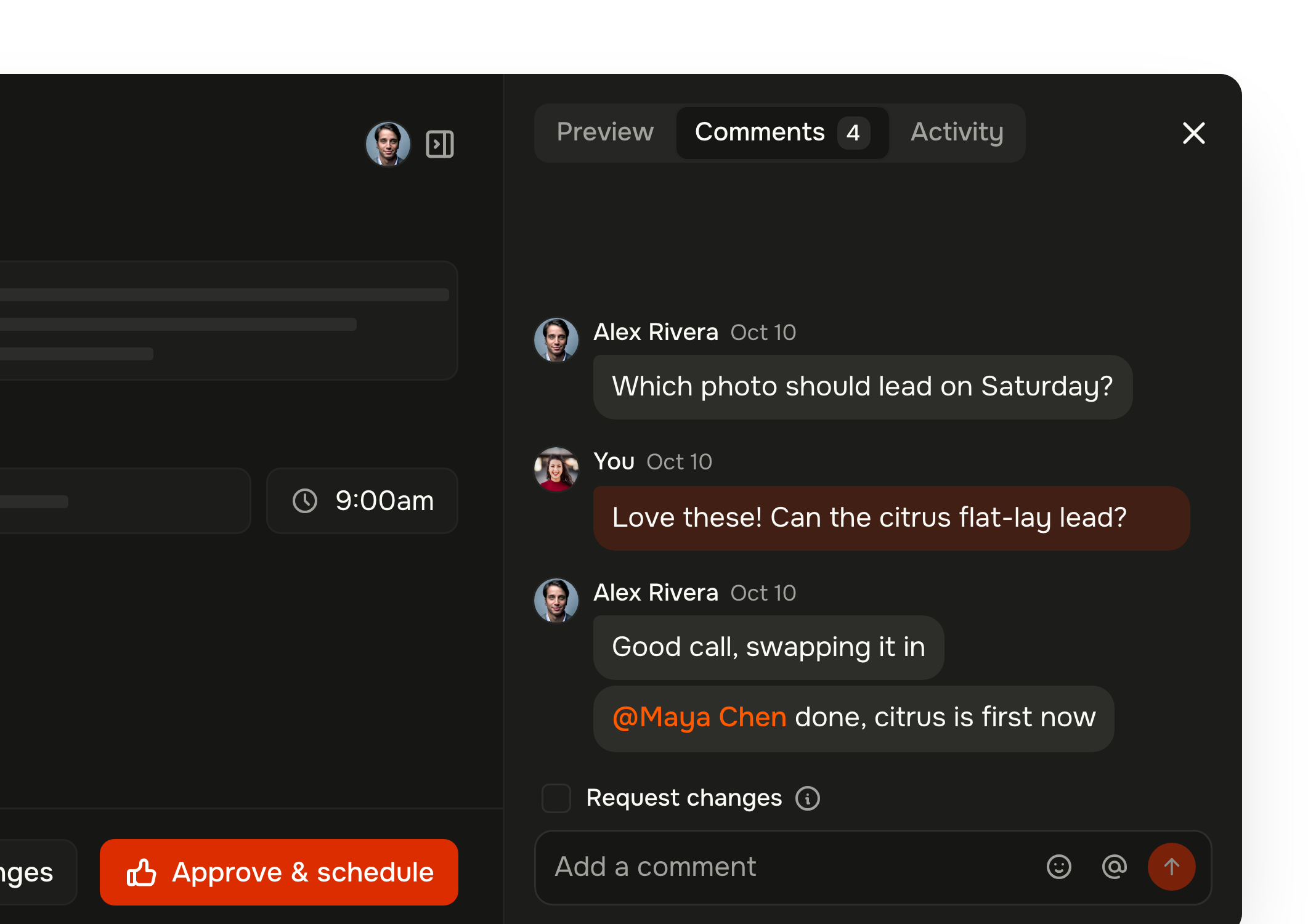
A post's comments in Tallyfeed as a chat: a question, the approver's pick, and a reply that @mentions them, beside Approve & scheduleA post's comments in Tallyfeed as a chat: a question, the approver's pick, and a reply that @mentions them, beside Approve & schedule

Publish

Posts go out on time, and you hear about it if one doesn't

Tallyfeed publishes automatically at the time you set, and every post shows where it stands, from draft to published.
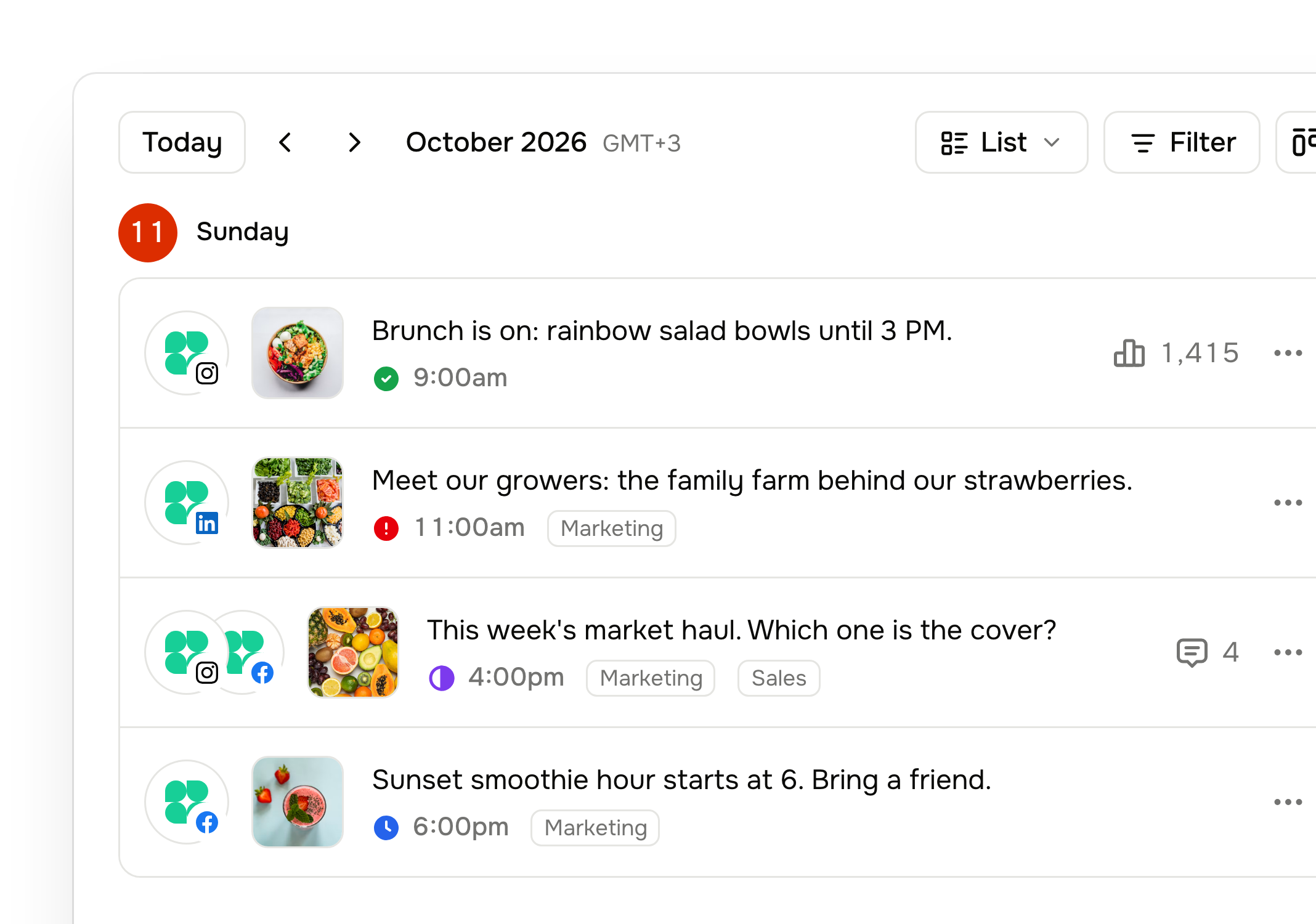
  • Clear statuses:needs approval, scheduled, published or failed
  • Alerts in the app and by emailwhen a post fails, with the reason
  • A warning when an account disconnects,and a one-click reconnect
  • Post nowwhen something can't wait
Learn more about publishing →
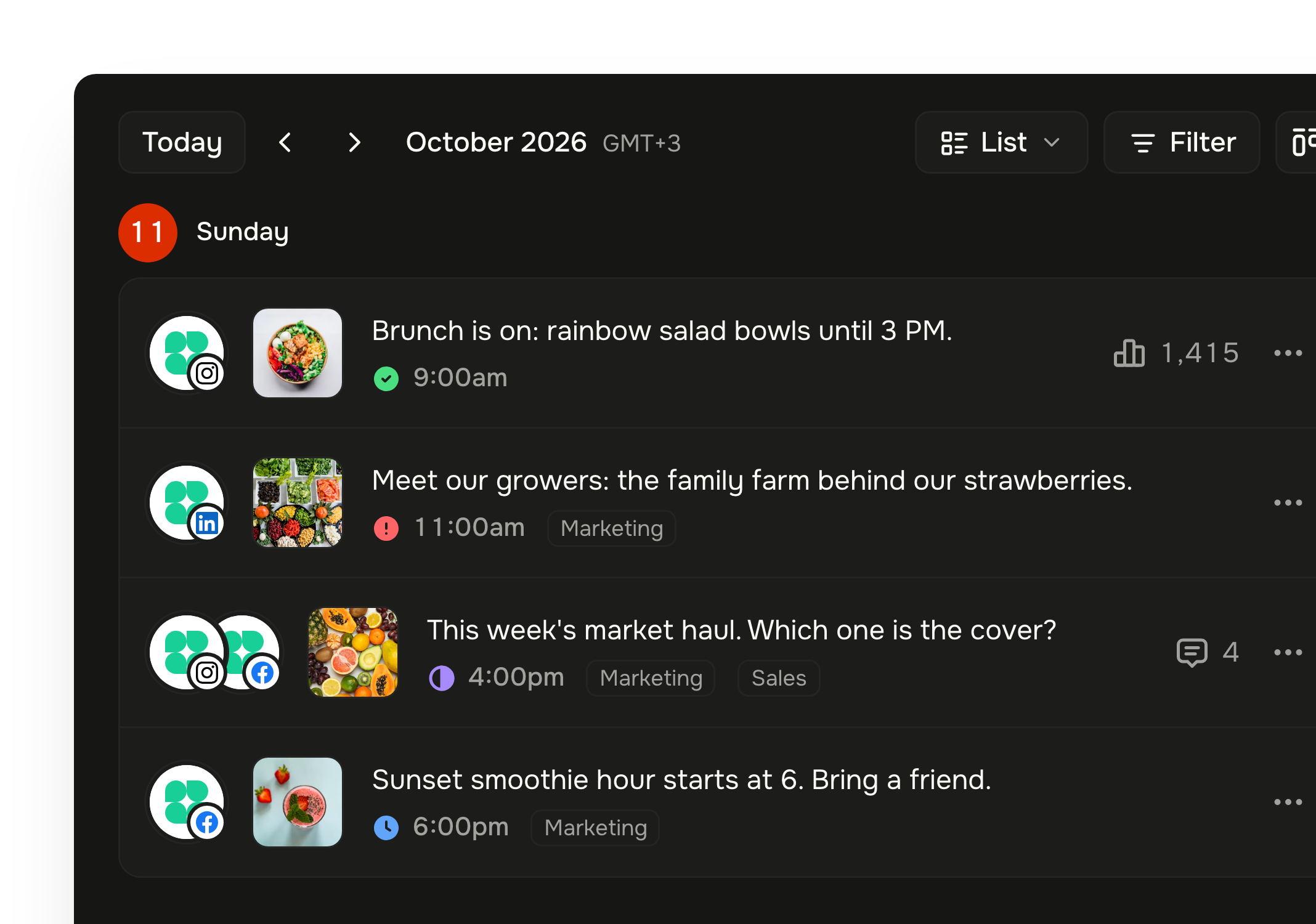
Tallyfeed posts list with published, failed, needs approval and scheduled statusesTallyfeed posts list with published, failed, needs approval and scheduled statuses

Measure

See what's working without opening every app

Views, likes, comments and shares come back to Tallyfeed after a post goes live, so you can compare posts and accounts in one place and export a report as PDF or CSV.
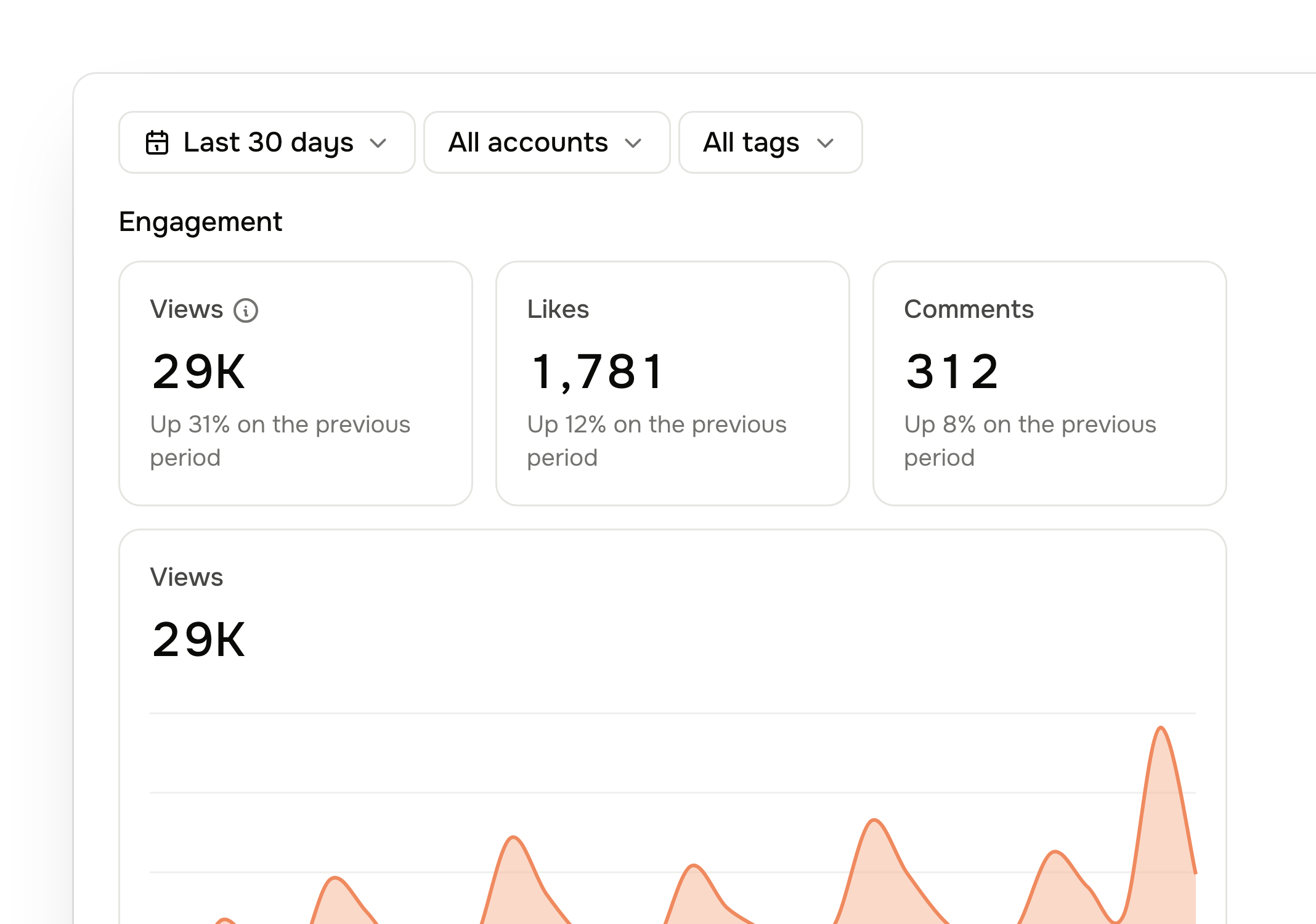
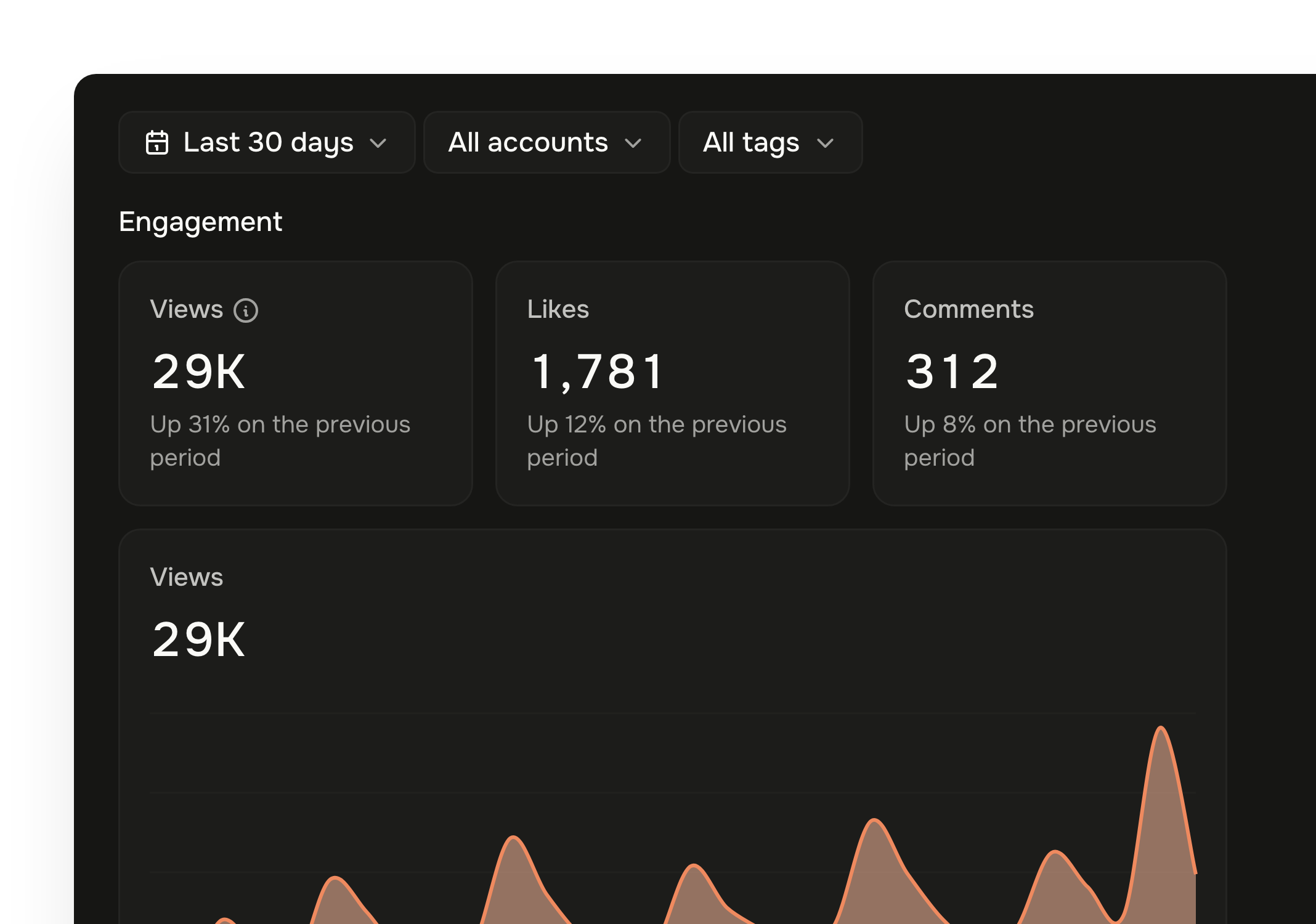
  • Engagement for each published post,per account
  • Totalsfor the last 7 days up to the last 6 months
  • Published, upcoming and draft counts,plus your success rate
  • A link straight to the live post
Learn more about analytics →
Tallyfeed insights with publishing stats and engagement chartsTallyfeed insights with publishing stats and engagement charts

Made for each network

Connect accounts through each network's official sign-in, and use the options each one offers.

Instagram

Feed posts, Reels and Stories, with the option to show Reels in the feed

Facebook

Feed posts, Reels and Stories

LinkedIn

Text, image and video posts

X (Twitter)

Posts with images or video, and a choice of who can reply

TikTok

Videos with privacy, comment, duet and stitch settings, plus branded content and AI labels

YouTube

Videos with a title, visibility and a made-for-kids setting

Threads

Text, image and video posts

Bluesky

Text, image and video posts

Pinterest

Pins with a title and a destination link

And everything else a small team needs

Included in every plan, with no add-ons to buy.

Unlimited workspaces

Keep each brand or client in its own workspace and switch in a click.

Unlimited team members

Invite everyone who works on social, at no extra cost.

Tags and filters

Label posts by campaign, content pillar or client, and find them fast.

Media library

Upload images and video once, find them with search and filters, and reuse them in any post.

Notifications

A bell for everything, plus email for failed posts, disconnected accounts, mentions and approvals.

Time zones

One workspace time zone and a 12 or 24-hour clock, so everyone sees the same times.

Secure connections

Accounts connect through each network's official sign-in. Disconnect any time.

One simple plan

Every feature included: 8 accounts for $20 a month, then $2 for each extra account.